AI visibility
AI shopping agent checkout test
Enter your website and watch an AI shopping agent try to buy from it in a real browser. It shows each step and where it got stuck, and never pays, orders or sends anything.
Watch it live
A real browser, on a desktop or phone-sized screen, one step at a time.
See where it got stuck
Each problem names the step where it happened, with the screenshot.
Safe by code
It never pays, orders or sends a form. Code blocks every one.
Past clients or mentioned on
What is an AI shopping agent?
An AI shopping agent is software that uses an AI model to shop for a person: it reads store pages, searches, compares products, picks a size or color, adds an item to the cart and can go on to checkout. It reads the same pages and presses the same buttons your customers do, so anything that confuses a person can stop it too.
Some agents are assistants on a store's own site; others work across many stores for one shopper. The agentic commerce guide covers what store owners can change, and the AI shopping assistant guide covers adding an assistant to your own store.
How the AI agent checkout test works
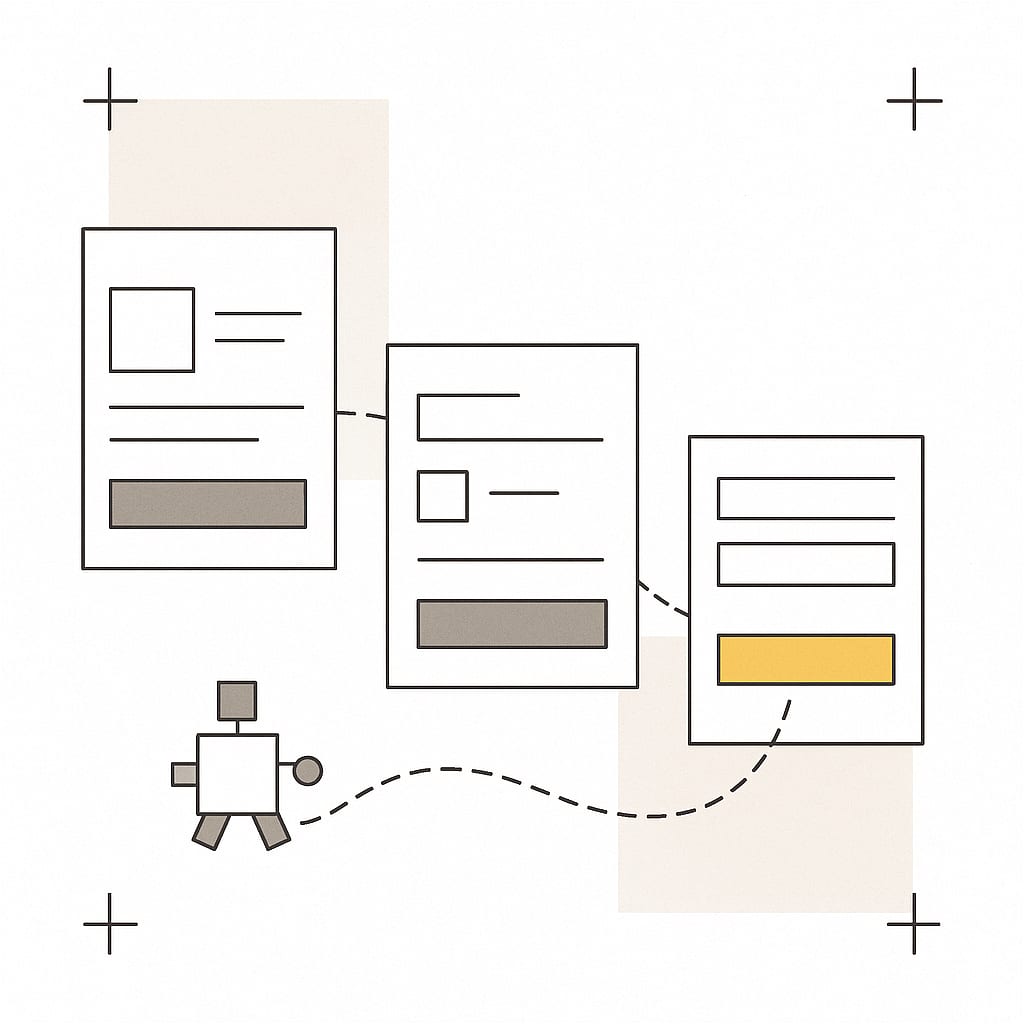
The AI agent checkout test gives one AI agent one goal on your site and records what happens. It runs in a real browser that loads your pages the way a visitor's browser does, scripts and popups included, and the agent decides each action from a screenshot and a list of what it can click. It is free, up to 3 runs a day for one email.
- You enter your website. Choose the goal (checkout, your contact form, or let the agent decide from what the site sells) and a desktop (1280 pixels wide) or phone-sized (375 pixels) screen.
- The agent looks at the screen. It gets a screenshot and the buttons, links and fields it can use, each with the name a screen reader would hear.
- It takes one action. Click, choose an option, scroll, go back or type one of a few test values, and it writes a short note on why.
- Code checks the result. Did the page change? Did the cart change after add to cart? Did a popup cover the page? Did a control have no name?
- It stops. At checkout or your contact form, when it is stuck, or after 25 steps or 4 minutes.
What the checkout test reports
The checkout test reports a verdict, then each problem it observed with the step where it happened and the screenshot of that screen. It only reports what it saw in this run. It does not compare your site with other stores or estimate lost sales.
| Problem | How the test notices it |
|---|---|
| Add to cart did nothing | The cart link, the cart counter and the page showed no sign of the item after the click, checked twice. |
| A click did nothing visible | The address and the page content stayed the same after a click. |
| A popup covered the page | A fixed layer with text covered a large part of the screen, with or without a close control the agent could find. |
| A control has no name | A button, link or field had no text, label or title, so a screen reader or an agent cannot tell what it does. |
| Something was on top of a button | The browser could not click it because another element covered it. |
| The path leaves your site | A link on the way to checkout pointed to another website. |
| A script error at a failed step | The page logged a JavaScript error at the same step that did not work. Errors at steps that worked are left out. |
| A login or human check | The page asked to log in or showed a captcha, which ends the run. |
What the agent never does
The agent never pays, places an order, books or sends a form. These limits are enforced by code, not by asking the AI model to behave, so they hold whatever the model decides.
- No commit clicks. Buttons such as Place order, Pay now or Send message are refused, and so is any submit button of a form that asks for personal or payment details.
- No personal data. It types only a search made of words already on your site, a quantity of 1 or 2, or the postcode 10001 into a shipping estimate box. Never a name, email, phone number, address or card number.
- Blocked at the network. Form submissions, payment requests and writes to checkout or form addresses are stopped before they leave the browser.
- Stays on your site. Links to other websites are refused. It may open a known hosted checkout page only to see that it got there, then stops.
- Says who it is. The browser identifies itself as Convertica's audit, not as another company's agent.
Checkout by AI agents: why test it now?
Agentic checkout is checkout done by an AI agent for a person instead of by the person clicking through it. Payment companies and AI providers are building ways for agents to pay directly. Until those reach your store, an agent that wants to buy has to get through the same product page, variant picker, cart and checkout button your customers use.
That makes the basics matter twice: a size picker that only works with a mouse hover, an add to cart button with no label or a newsletter popup with no close button can stop a person and an agent alike. The agent readiness checklist lists what to check on your own.
How to read your checkout test result
Your checkout test result starts with one of four verdicts. Read it with the step list: the agent's own note at each step says what it saw, and the screenshot lets you check that it was right before you change anything.
| Verdict | What it means | What to do next |
|---|---|---|
| Reached checkout or your form | The agent got there. Any problems listed slowed it down without stopping it. | Fix the listed problems, then audit the page for what an agent run cannot see. |
| Got stuck | The agent stopped at a named step, for example a picker it could not use. | Open that step's screenshot and try the same action yourself on a phone and a desktop. |
| Did not get there | It ran out of steps or time, often by going in circles. | Look for the step where it first repeated itself: the way forward was not clear there. |
| Could not load the site | Your site did not load: an error page, a certificate problem or a timeout. | Check the address and try again when the site is up. |
What the checkout test cannot tell you
The checkout test shows how one AI agent handled your site in one run. It is a quick, honest look, not a measurement of your customers.
- Other agents may differ. It does not run ChatGPT, Google or any other company's agent, and it cannot tell you how they would act.
- Runs vary. An AI agent can take a different path each time. A problem that shows up once is worth checking by hand.
- No visitor data. It cannot see your analytics, so it cannot say how many shoppers hit the same problem or what it costs you.
- Not a payment test. It stops before payment, so it never tests card processing or order emails.
Checkout test: how to test your own checkout by hand
A checkout test by hand means buying from your own store the way a customer would, with your platform's test or sandbox payment mode, so you see every step without a real charge. Do it on a phone and a desktop, then let the AI agent run the same path to see whether software acting for a shopper gets through too.
- Switch on test payments. Use the test or sandbox mode your ecommerce platform or payment provider documents, so orders go through without charging a card.
- Start where shoppers start. Open your homepage or a product page from a search result, not the cart.
- Buy as a guest on a phone. Pick a size or color, add to cart, open the cart and go through checkout. Note every moment you hesitate.
- Repeat on a desktop browser and as a returning customer, if you offer accounts.
- Check the costs. Is the shipping cost and the total clear before the payment step?
- Break it on purpose. Leave a field empty and enter a wrong postcode: does the error say what to fix?
- Run the AI agent. The test on this page shows whether an agent can find a product, choose options and reach checkout without a person's eyes and judgment.
For what to fix once you have found it, read the checkout optimization guide.
Related tools for AI agents
The AI visibility checker scores whether AI crawlers and agents can reach and read a page, and the crawlability test shows what a crawler gets before JavaScript runs. To fix what the agent found, run the free CRO audit on that page. All the free tools are on the free tools page.
Short answer
An AI shopping agent is software that uses an AI model to browse a store and act for a shopper: search, choose a product and its options, add it to the cart and check out. This free checkout test runs one such agent on your site in a real browser and shows where it got stuck, without paying or submitting anything.
- The agent opens your site in a real browser, on a desktop or a phone-sized screen, and decides one action at a time from what it sees.
- It stops by itself at checkout or at your contact form, and code blocks every payment, order and form submission.
- Each problem it reports names the step where it happened, with the screenshot, so you can check it yourself.
- It shows how one agent handled your site in one run. It cannot tell you how ChatGPT, Google or any other company's agent would behave.
AI shopping agent checkout test FAQ
What is an AI shopping agent?
An AI shopping agent is software that uses an AI model to browse online stores and act for a shopper: it searches, compares, picks a product and its options, adds it to the cart and can go on to check out. Some are built into a store's own site; others work across many stores.
Is there an AI agent for shopping?
Yes. Shoppers already use AI assistants to research products, and some assistants can browse a store and act for the person, up to adding items to a cart. This page does not review those agents. It tests the other side: whether an AI agent can find a product on your store and reach your checkout.
What does the AI agent checkout test do?
It opens your website in a real browser and gives an AI agent one goal: reach checkout, or reach your contact form. The agent looks at each screen and takes one action at a time. You watch every step live, and the result page shows where it got stuck, with screenshots.
Will the agent place an order or charge a card?
No. The agent never pays, places an order, books or submits a form, and it never types a name, email, phone number, address or card details. Code refuses those clicks and blocks form submissions and payment requests whatever the agent decides, and the run stops as soon as checkout is on screen.
Is this a checkout test for my payment provider?
No. This checkout test checks whether a visitor, here an AI agent, can get from your homepage to checkout. It does not test card payments, payment gateways or order emails. Use your payment provider's own test mode for that.
What is agentic checkout?
Agentic checkout is checkout carried out by an AI agent for a person rather than by the person clicking through it. Payment companies and AI providers are building ways for agents to pay; until those are common, an agent still has to get through the same pages, buttons and forms your customers use.
Does this show how ChatGPT or Google's agents see my site?
No. The test runs Convertica's own AI agent in a browser. Other companies' agents use different models and rules and may act differently. What it does show is whether your pages let an agent find a product, choose options and reach checkout, and the specific things that stopped it.
How long does the test take?
Usually about a minute. The agent takes at most 25 steps and stops after 4 minutes, whichever comes first, and you can close the page while it runs: the result stays at its own link.
How do I fix what the agent found?
Start with the step where it got stuck: the screenshot shows the screen it saw. Then run the free CRO audit on that page. The audit reads the page on a phone and a desktop, scores eight checks and gives you every finding, with why each one matters.
